Why no-shows happen (and why it's rarely malice)
Most no-shows aren't customers dodging you — they're customers who forgot. A repair booked eight days ago competes with work meetings, school pickups, and everything else in a busy life. If your only touchpoint was the original phone call, the odds the customer remembers the exact window are lower than most owners assume.
The cost compounds: a missed two-hour window doesn't just lose that job's revenue. It strands a technician mid-route, pushes the rest of the day late, and often triggers an awkward rebooking call your office has to handle.
The reminder cadence that works
Field service businesses consistently do well with a three-touch cadence. First, an instant booking confirmation the moment the job is scheduled — it validates the appointment and gives the customer something to check later. Second, a day-before reminder in the late afternoon or evening, when people plan tomorrow. Third, an optional en-route or morning-of text with the technician's name.
SMS beats email for all three touches. Text messages are typically read within minutes, while service-reminder emails routinely sit unopened. Keep messages short, include the date, time window, and address on file, and always identify your business by name.
Make it automatic or it won't happen
A cadence that depends on your dispatcher remembering to text 30 customers a day will fail the first busy week. The fix is event-driven automation: reminders that trigger from the job record itself. When the job is booked, the confirmation fires. The day before the scheduled time, the reminder fires. Nobody has to remember anything.
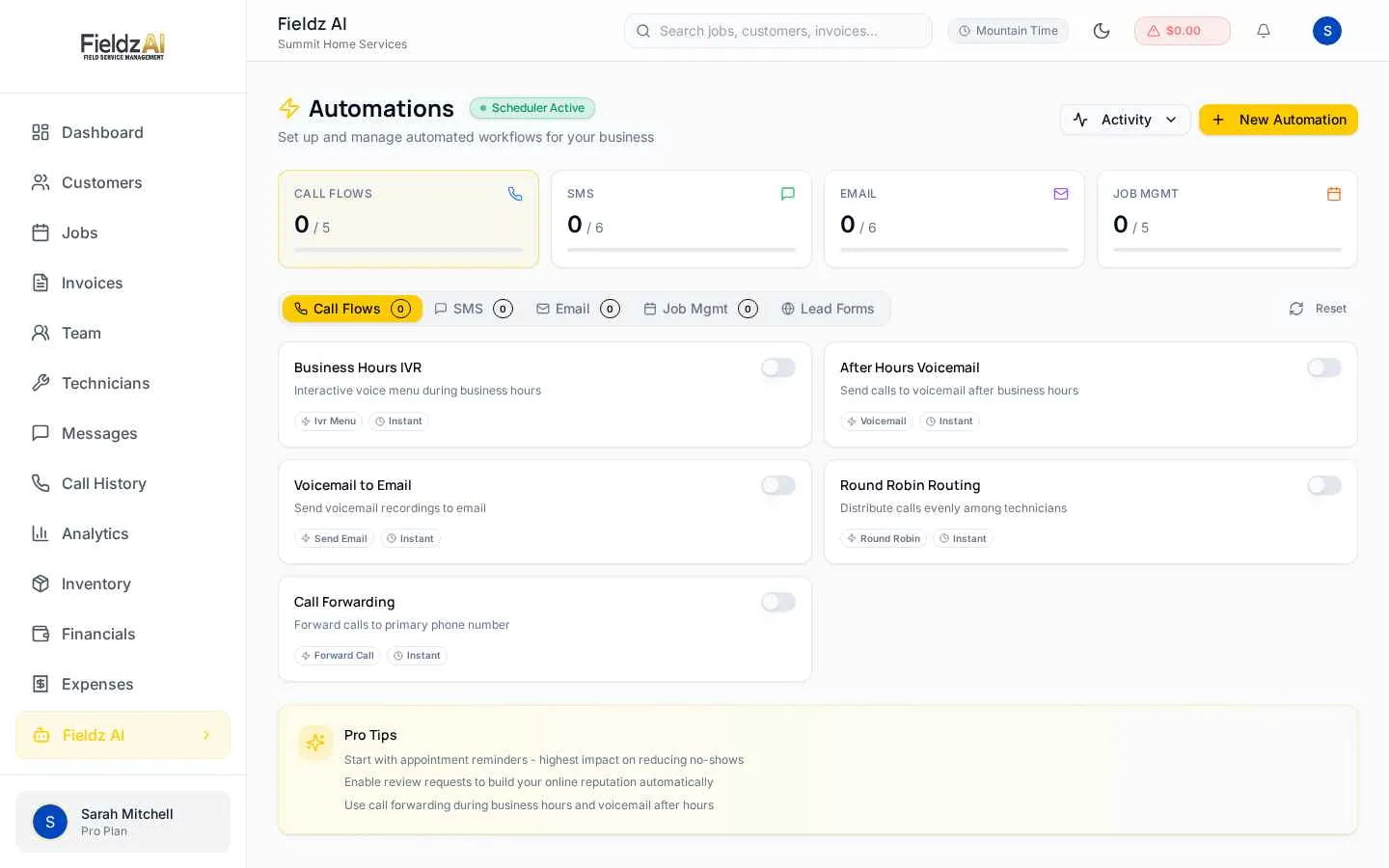
In Fieldz AI, these live under Automations: pick the trigger, edit the template with placeholders like the customer's name and appointment time, and turn it on. From then on, every job on the calendar gets the cadence automatically — including jobs booked by a technician from the field.
Handle the reschedules gracefully
A good reminder doesn't just prevent no-shows — it surfaces conflicts early. A customer who replies 'can we do Thursday instead?' the evening before is a five-minute fix. The same customer discovered as a no-show at 9am is a wasted truck roll.
Because replies land in your two-way SMS inbox tied to the customer record, your office sees the request with full context and can drag the job to Thursday on the calendar. The customer automatically gets a new confirmation for the updated time.
Measure it
Track two numbers before and after turning reminders on: jobs marked cancelled or no-show per week, and same-day reschedules. Most businesses see missed appointments drop sharply within the first month, and the reschedules that do happen move earlier — where they're cheap to absorb.
Key takeaways
- Use a three-touch SMS cadence: booking confirmation, day-before reminder, en-route notice
- Automate reminders from job events — manual texting fails under load
- Two-way SMS turns would-be no-shows into early reschedules
Free download
Get the Field Service Pricing Guide
The 4 pricing models vendors use, a hidden-cost checklist, and a worksheet to calculate any platform's true monthly cost.
Instant download. No spam — unsubscribe anytime.