Automations
Follow-ups that happen without you lifting a finger
Appointment reminders, en-route notices, review requests, and win-back campaigns run themselves — triggered by real job events, not manual to-do lists.
No credit card required
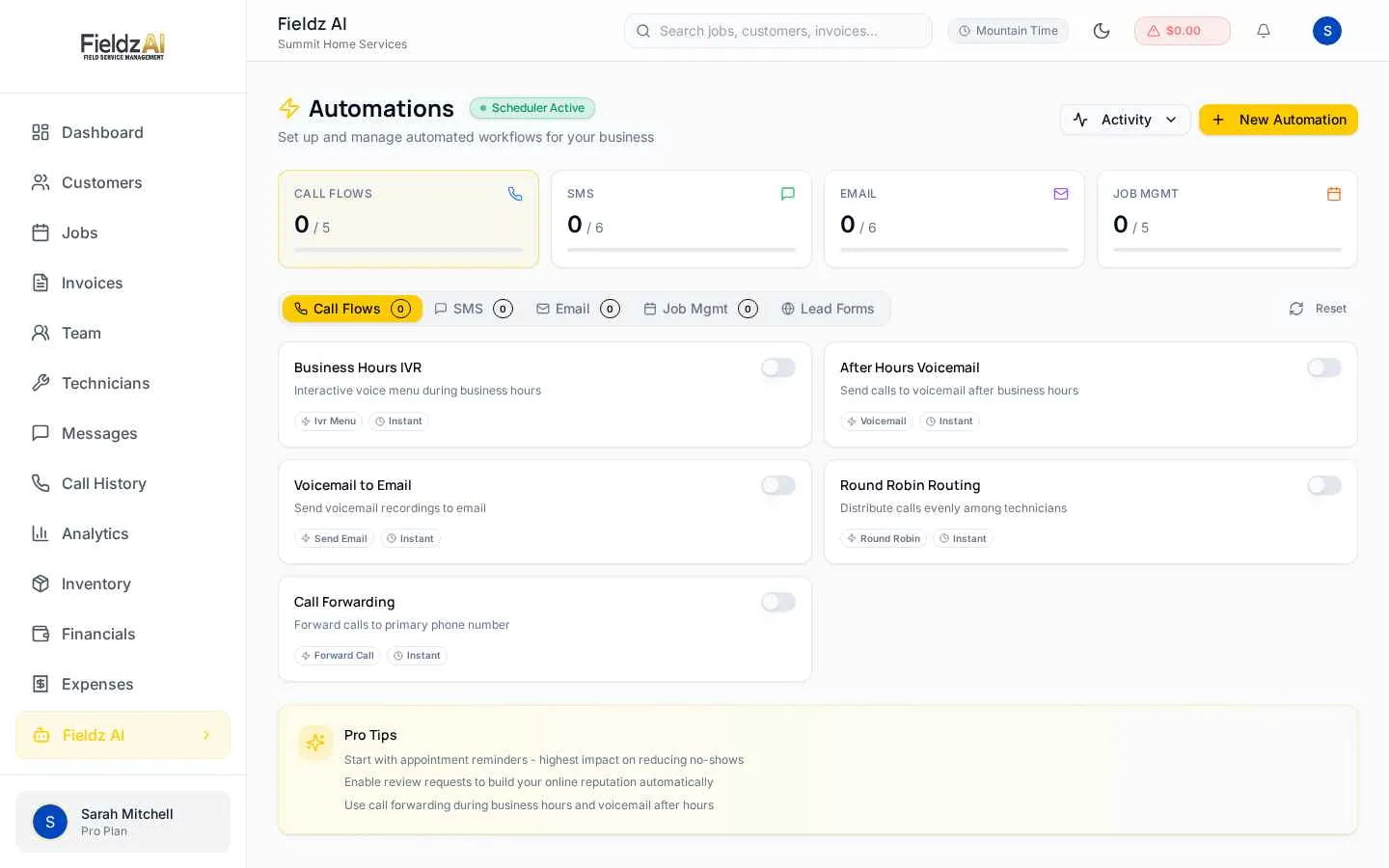
Event-driven triggers
Fire an SMS or email when a job is booked, assigned, started, completed, or paid — you define the rules once.
Reviews on autopilot
Automatic review requests after completed jobs turn happy customers into public proof.
Fewer no-shows
Day-before and hour-before reminders reach customers automatically, cutting missed appointments.
Smart templates
Messages auto-fill names, times, addresses, technician details, and even masked contact numbers.
What you can do with automations in Fieldz AI
Automations — frequently asked questions
What can trigger an automation?
Job lifecycle events — booked, assigned, en-route, started, completed, paid — plus reminder schedules relative to the appointment time.
Can I automate review requests?
Yes. After a job completes, an automatic SMS or email asks the customer for a review with your link — one of the highest-ROI automations you can turn on.
Can technicians get automated messages too?
Yes — automations can target technicians with assignment details and reminders, using masking-aware placeholders so customer numbers stay protected.
Works even better with
SMS Messaging
Two-way business texting from your field service software: SMS conversations tied to customers, payment links by text, templates, and automated reminders.
Learn moreLead Capture
Embeddable lead forms that create jobs automatically, missed-call capture, and source tracking — so no field service lead goes cold.
Learn moreJob Scheduling
Drag-and-drop job scheduling software for field service teams. Calendar, list, and timeline views, technician availability, and automatic SMS confirmations.
Learn moreTry automations free for 7 days
Every Fieldz AI plan includes the full platform — no add-ons, no feature gates.
No credit card required