Call Masking
Call masking that protects your techs — and your business
Technicians call customers through your business number, never their personal cell. Customers see your brand, techs keep their privacy, and you keep the relationship.
No credit card required
Personal numbers stay private
Techs dial a masking number and enter a job PIN — the system bridges the call so their cell number is never exposed.
Your customers stay yours
All customer contact runs through numbers you own, so relationships don't walk out the door with a technician.
Branded caller ID
Customers see your business number on every tech call, keeping communication consistent and professional.
Every call logged
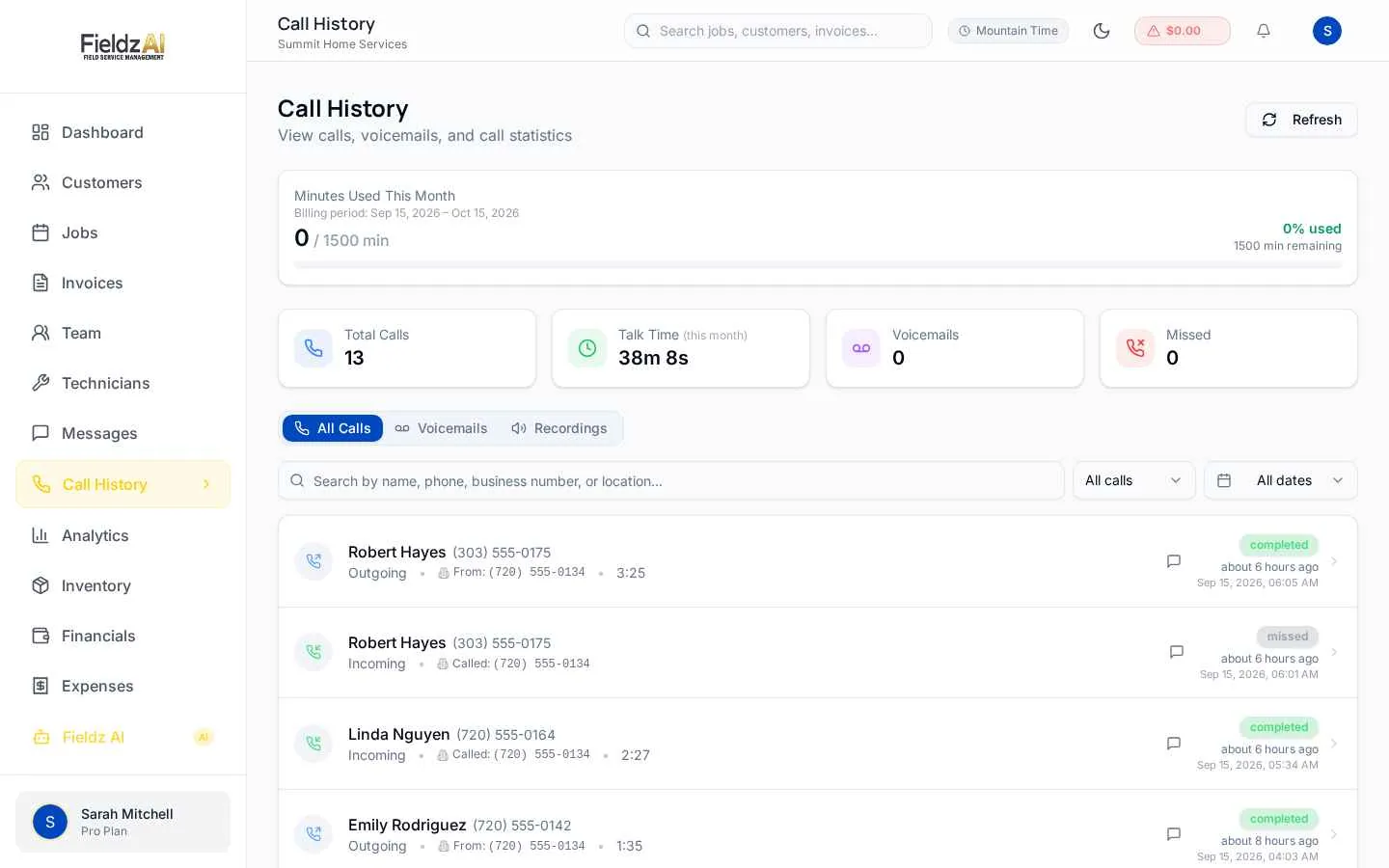
Masked calls are logged against the job automatically, giving you a complete communication trail.
What you can do with call masking in Fieldz AI
Call Masking — frequently asked questions
How does a technician call a customer with masking on?
The tech dials their assigned masking number, enters the job PIN, and chooses the customer's primary or secondary number. The system bridges the call showing your business caller ID.
Can each technician have their own masking number?
Yes — assign a dedicated number per technician, or use one account-level masking number shared by the team.
What does the customer see?
Your business number. The technician's personal cell is never shown, and callbacks come to your business line — not the tech's phone.
Works even better with
Business Phone
A built-in business phone system: dedicated numbers, in-app dialer, call recording, voicemail, smart routing, and calls matched to customers automatically.
Learn moreTechnician App
A mobile portal for field technicians: assigned jobs, navigation, status updates, photos, on-site estimates, payments, and earnings visibility.
Learn moreDispatch
Dispatch software for field service: assign the right technician, notify them by SMS and push, and track job progress in real time across your team.
Learn moreTry call masking free for 7 days
Every Fieldz AI plan includes the full platform — no add-ons, no feature gates.
No credit card required